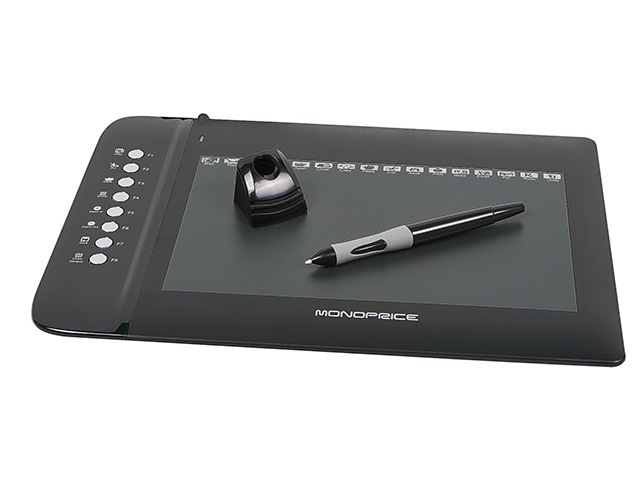
After spending a week with the 6.25“x10” Monoprice, my Yiynova and Cintiq remain unplugged and I gave my Intuos away to a friend. The Monoprice tracks subtle pressure variances and small movements with less lag and more crisp fidelity than any of the others. It is, put crudely, fucking awesome, in both OSX Lion and Windows 7 x64.
I have one of these, 10×6.5 I bought about two months ago for 48 bucks. It’s a billion times better than my old Wacom Bamboo and works like a fuckin dream.
ATTENTION ALL PENNY-PINCHING ART FRIENDS!!!
ooo reblogging this for potential future purchase
oh
I’m definitely thinking of getting one of these, or asking for one for Christmas. ‘Cause as much as I appreciate Ian giving me his old tablet, I think the pen might be on it’s last legs. ;~;
Oh my god these start at $25 for a little one.
I would be so okay with a little one.
Reblogging this again because I fucking lost it and don’t want to forget it again.
I discovered something useful today, taking breaks or exercising never helps me but THIS does, sharing to save a life
I just found out that some pro artists that work for companies like Dreamworks etc sometimes hold their pens this or similar way so it gotta work. Recently I spent 5 days on drawing for long periods of time (we talk about min 5 hours in one go to max 12 hours long crunch) and not once did my hand bother me.
yo here’s a useful tip from your fellow art ho cynellis… use google sketchup to create a model of the room/building/town you’re trying to draw… then take a screenshot & use it as a reference! It’s simple & fun!
Sketchup is incredibly helpful. I can’t recommend it enough.
There’s a 3D model warehouse where you can download all kinds of stuff so you don’t have to build everything from scratch.
reblog to save a life
This is an incomplete tutorial, and it drives me crazy every
time I see it come around.
We live in a pretty great digital age and we have access to
a ton of amazing tools that artists in past generations couldn’t even dream of,
but a lot of people look at a cool trick and only learn half of the process of
using it.
Here’s the missing part of this tutorial:
How do you populate your backgrounds?
Well, here’s the answer:
If the focus is the environment, you must show a person in relation to
that environment.
The examples above are great because they show how to use the
software itself, but each one just kind of “plops” the character in front of
their finished product with no regard of the person’s relation to their
environment.
How do you fix this?
Well, here’s the simplest solution:
This is a popular trick used by professional storyboard and
comic artists alike when they’re quickly planning compositions. It’s simple and
it requires you to do some planning before you sit down to crank out that
polished, final version of your work, but it will be the difference between a background
and an environment.
Even if your draftsmanship isn’t that great (like mine),
people can be more immersed in the story you tell if you just make it feel like
there is a world that exists completely separate from the one in which they
currently reside – not just making a backdrop the characters stand in front of.
Your creations live in a unique world, and it is as much a character as
any other member of the cast. Make it as believable as they are.
Great comments and tutorials!
I’m a 3d artist and have been exploring the possibilities of using 3d as reference for 2d poses. I want to add a couple of tips and things!
Sketchup is very useful for environment references, and I assume it’s reasonably easy to learn. If you’re interested in going above and beyond, I highly recommend learning a proper 3d modeling program to help with art, especially because you can very easily populate a scene or location with characters!
Using 3ds Max I can pretty quickly construct an environment for reference. But going beyond that, I can also pose a pretty simple ‘CAT’ armature (known in 3d as a rig) straight into the scene, which can be totally customized, from various limbs, tails, wings, whatever, to proportions, and also can be modeled onto and expanded upon (for an example, you could 3d sculpt a head reference for your character and then attach it to the CAT rig, so you have a reference for complex face angles!)
The armature can also be posed incredibly easily. I know programs exist for stuff like this – Manga Studio, Design Doll – but posing characters in these programs is always an exercise in frustration and very fiddly imo. A simple 3d rig is impossibly easy to pose.
By creating an environment and dropping my character rig into it, I have an excellent point of reference when it comes to drawing the scene!
Not only that, but I can also view the scene from whatever angle I could ever want or need, including the character and their pose/position relative to the environment.
We can even quickly and easily expand this scene to include more characters!
Proper 3d modeling software is immensely powerful, and if you wanted to, you could model a complex environment that occurs regularly in your comic or illustration work (say, a castle interior, or an outdoor forest environment) and populate the scene with as many perspective-grounded characters as you need!


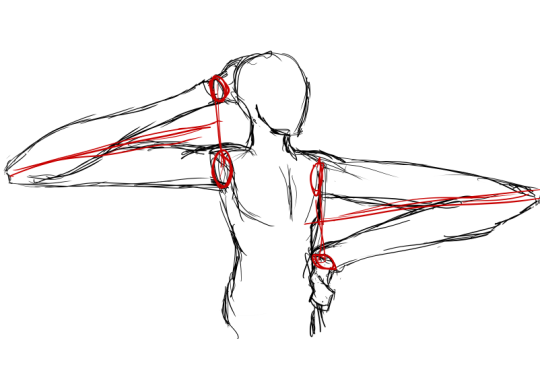
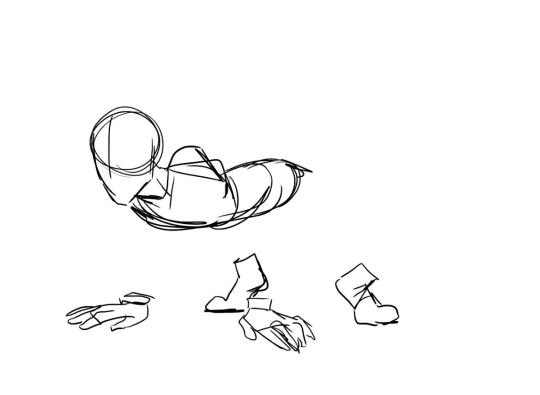
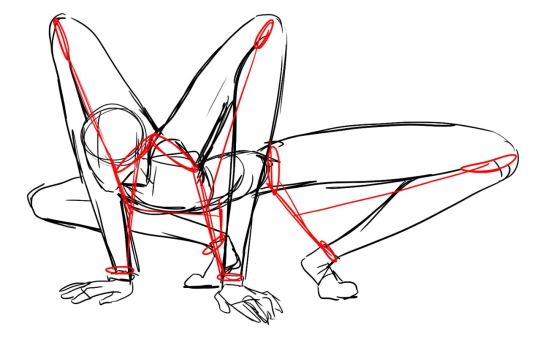
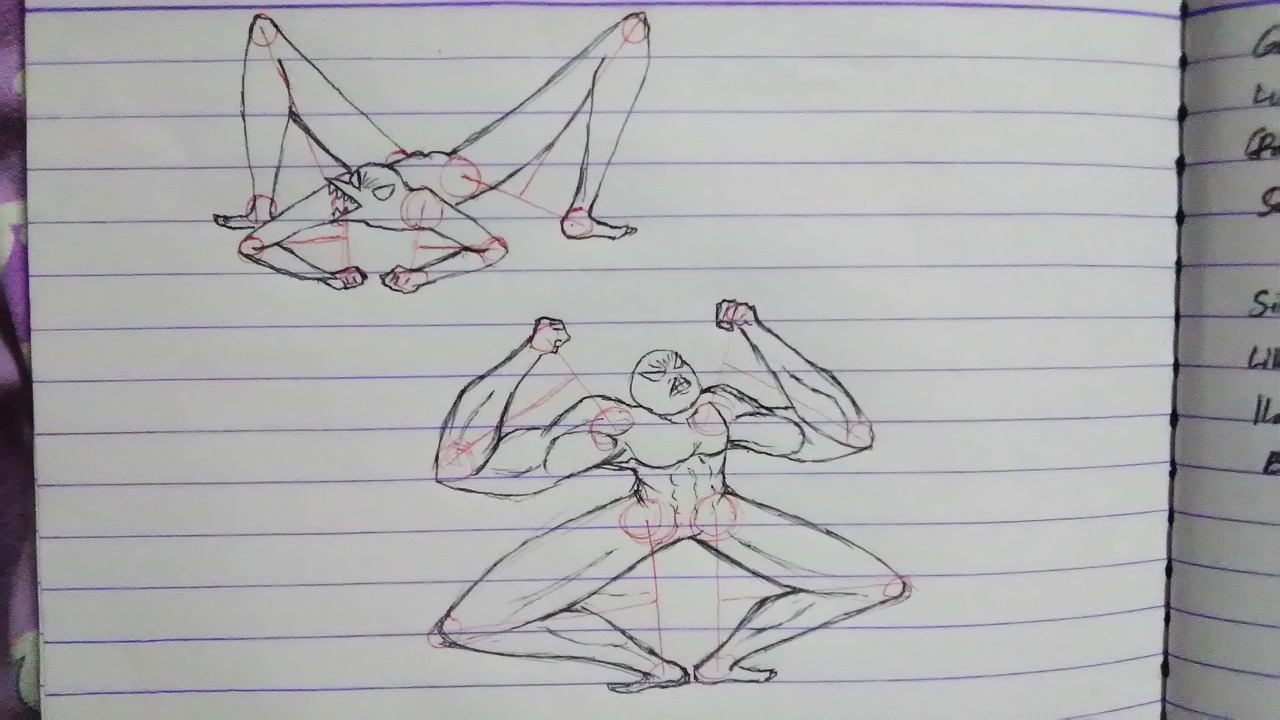



 Plume de Lynx